Click to download now, finish the installation quickly, and directly unlock the all-round experience
Screenshots
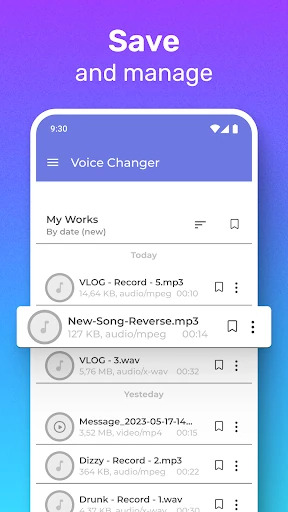
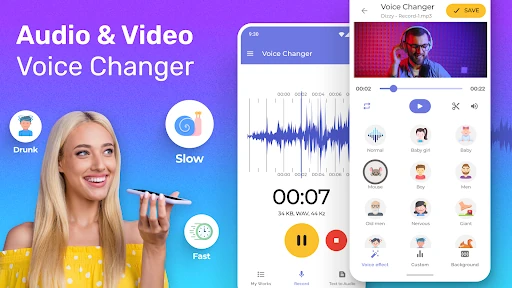
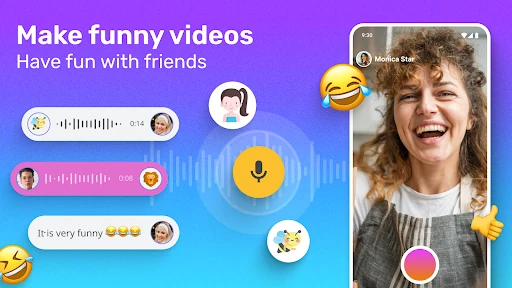
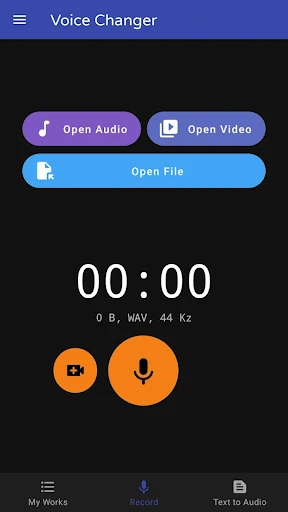
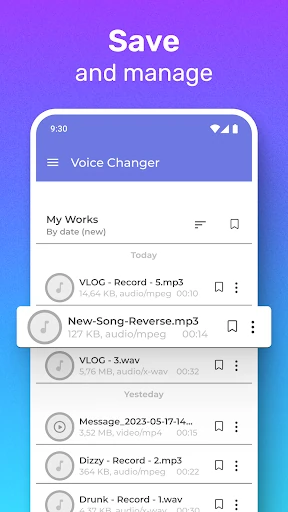
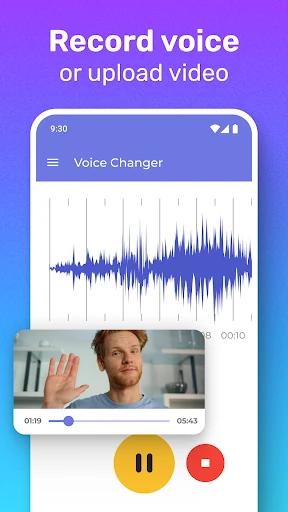
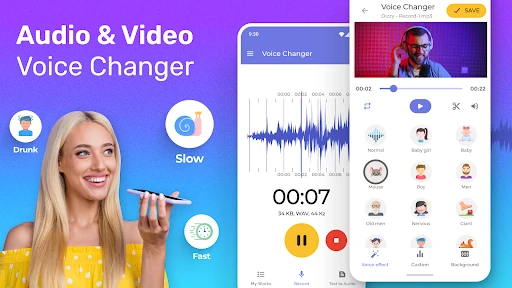
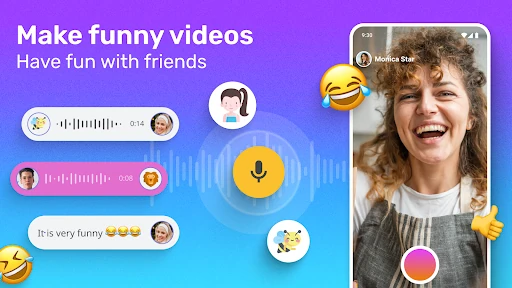
Click to download now, finish the installation quickly, and directly unlock the all-round experience
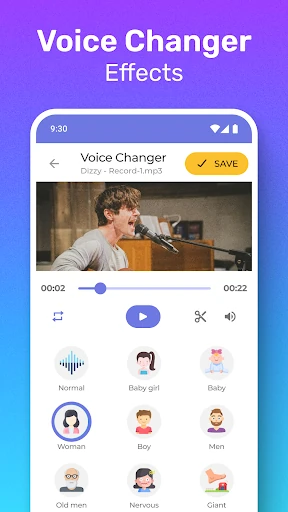
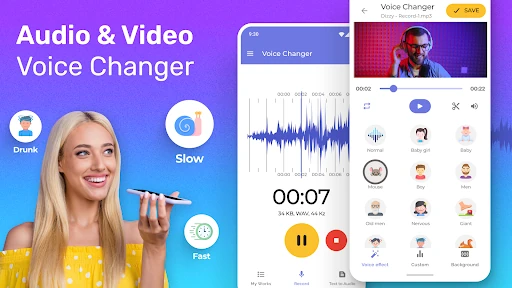
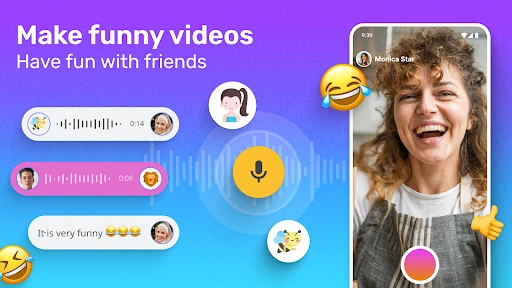
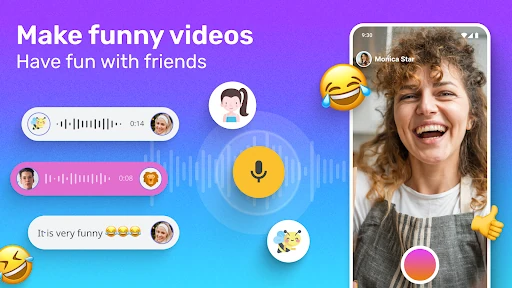
Video Voice Editor + Effects is for people who want to record or import audio, alter how it sounds, and use the result with a video. It suits short-form creators, joke videos, voice-over experiments, and anyone who wants more control than a single voice-changing button provides. The app comes from Firehawk and is listed in Music & Audio.
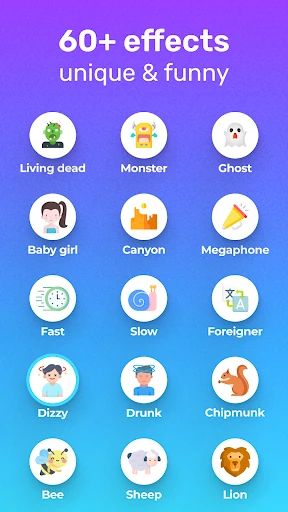
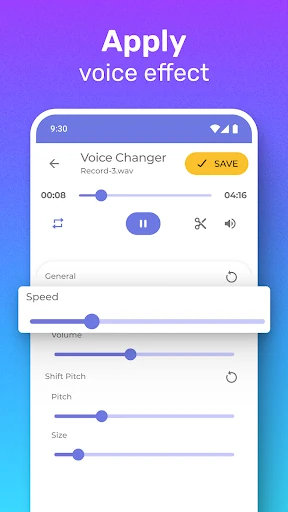
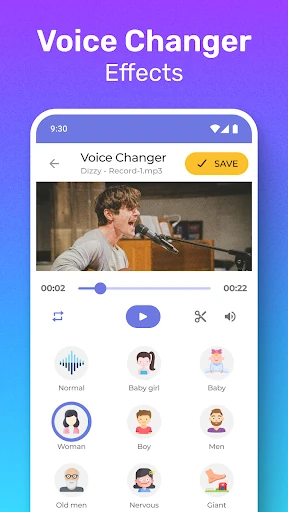
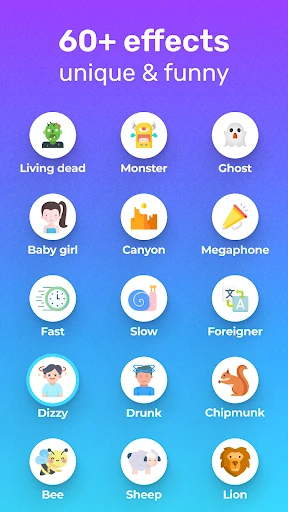
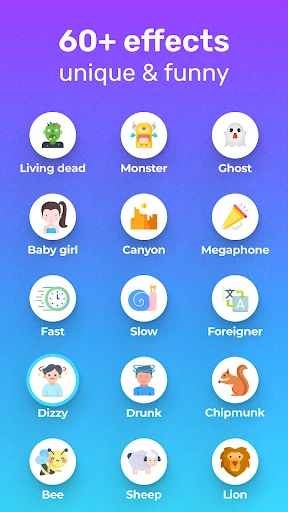
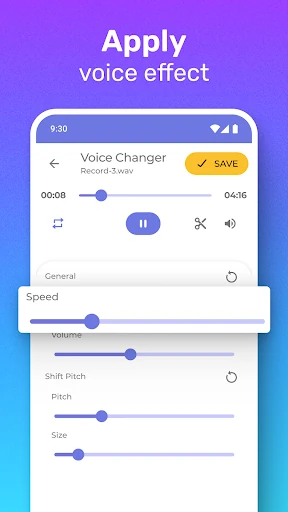
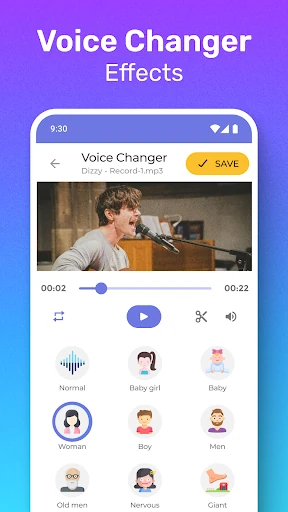
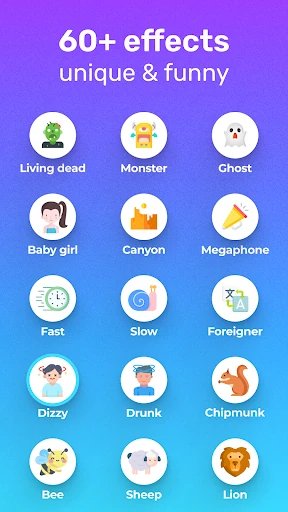
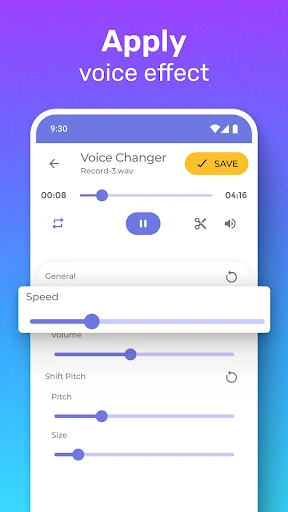
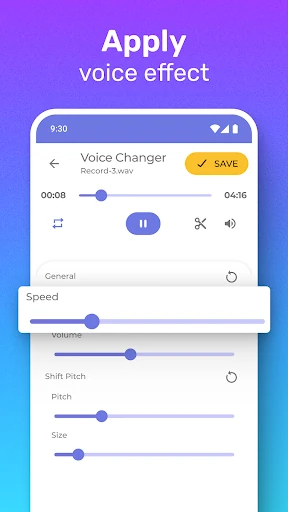
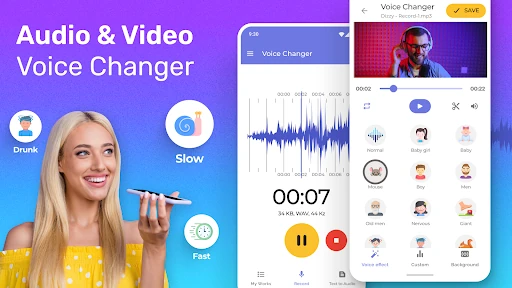
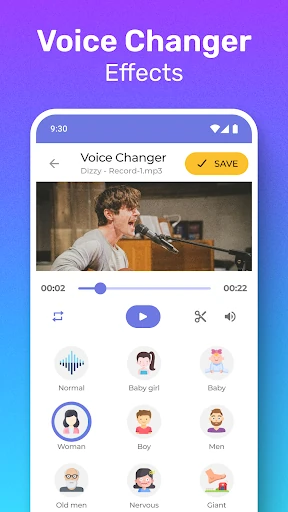
The useful part is the combination of voice effects and video editing in one place. You can choose from a broad set of character-style sounds, including options such as alien and robot voices, then adjust the result with controls for pitch, speed, volume, distortion, and audio filters. That gives you room to make a clip sound intentionally strange, lower or raise the voice, or tidy up the basic character of a recording.
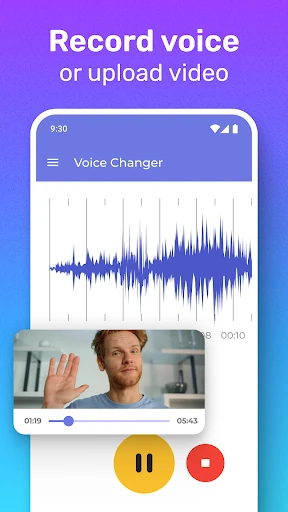
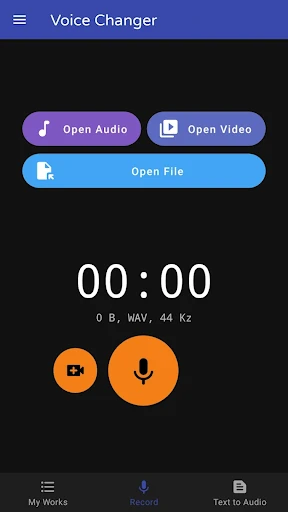
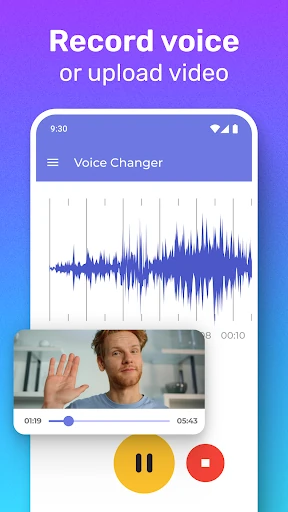
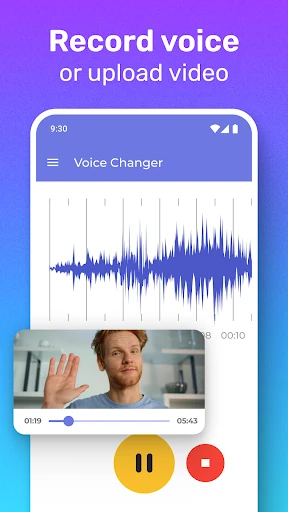
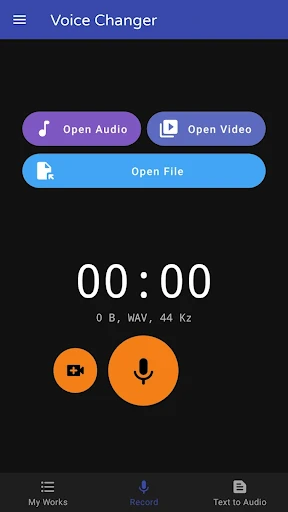
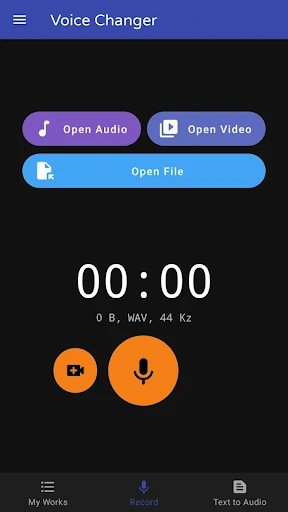
You can start with a live recording or work from an existing audio file. The app also supports adding modified audio to video, so a simple voice-over project does not require moving between separate tools just to match sound with footage.
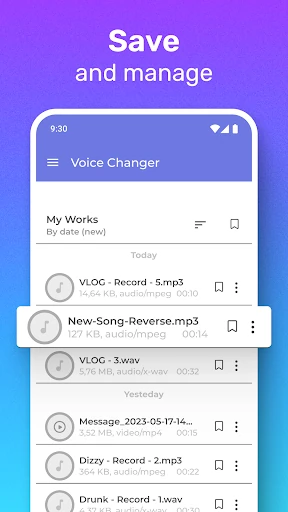
A rating of 4.511962 from 52,059 reviews and more than 10,000,000 installs suggest that this is not an obscure experiment. Its appeal is straightforward: it handles recording, voice alteration, fine adjustments, and video dubbing without splitting the task across several apps. If your current voice changer stops at presets, this is the alternative worth comparing.