Click to download now, finish the installation quickly, and directly unlock the all-round experience
Screenshots

Click to download now, finish the installation quickly, and directly unlock the all-round experience
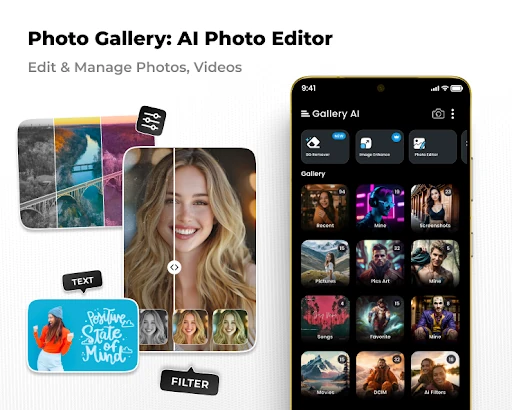
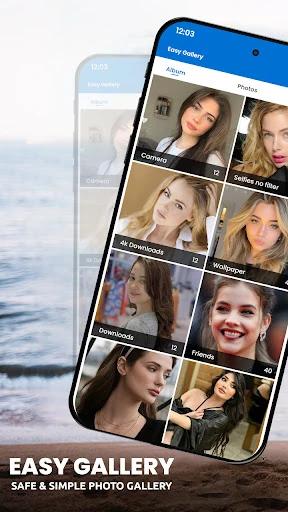
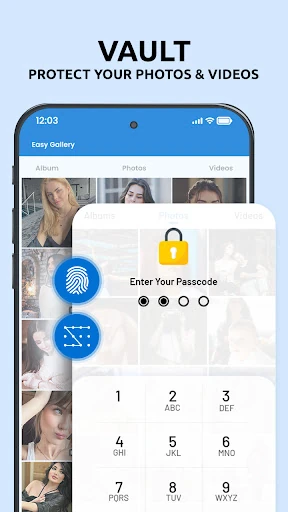
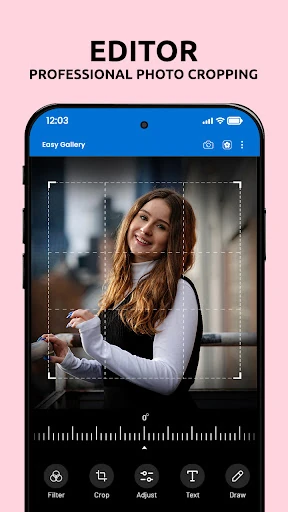
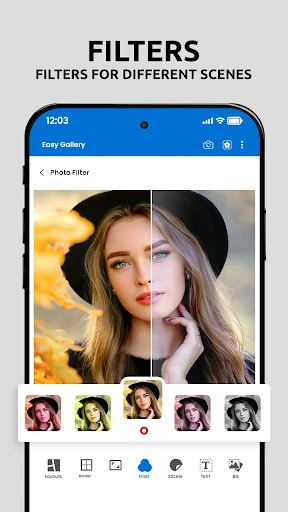
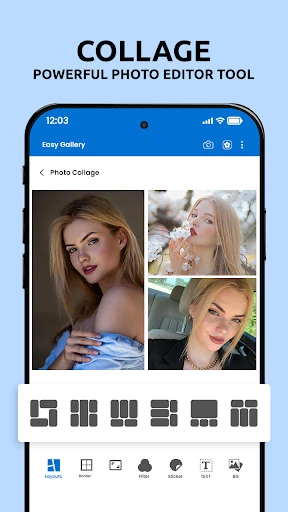
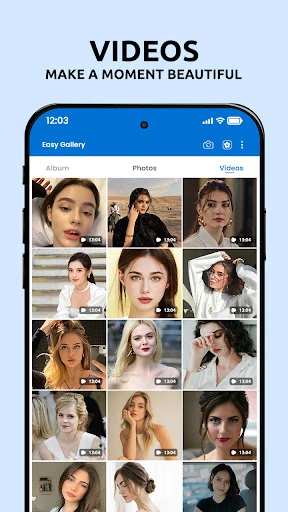
AI Photo Editor: Gallery Vault suits people who want basic photo creation tools and a private place for personal media. It combines an image editor, collage maker, video maker and gallery vault, so you can work on photos and keep selected files out of the regular gallery without moving between separate apps. T21 Games publishes it in the Photography category.
The useful part is the combination. Many photo editors stop after filters and adjustments, while separate vault apps handle privacy but not creation. This app is a reasonable pick if you want quick edits, simple social-style compositions and private storage in one place. It is less suitable if you only need a dedicated editor with advanced manual controls or a vault with no creative extras.
With a rating of 4.14 from 16,181 reviews and more than 5,000,000 installs, AI Photo Editor: Gallery Vault has found a sizeable audience. Those numbers do not make every tool a perfect fit, but they support the practical case for trying it: choose it when convenience matters more than having a separate, specialist app for every task.