Click to download now, finish the installation quickly, and directly unlock the all-round experience
Screenshots
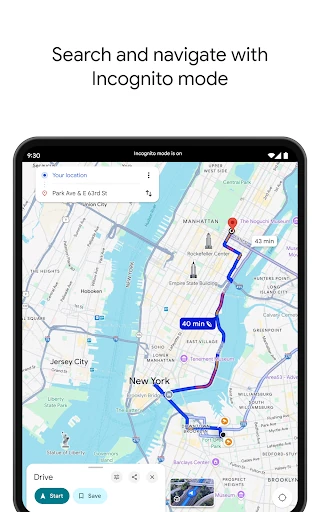
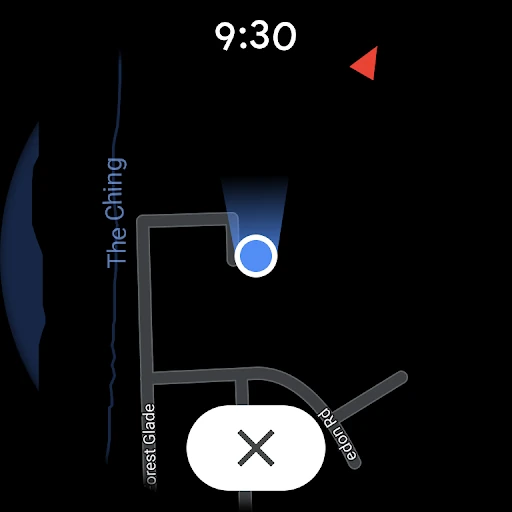
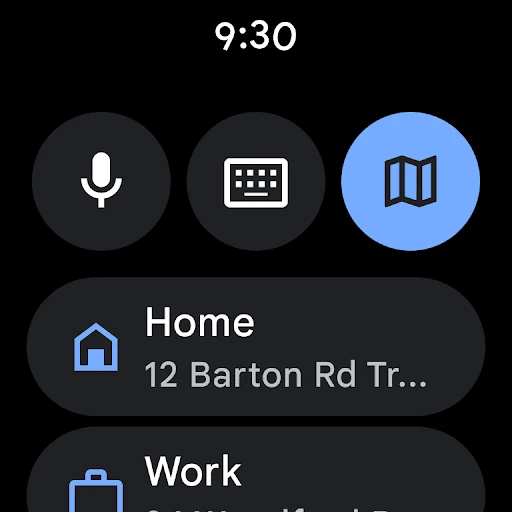
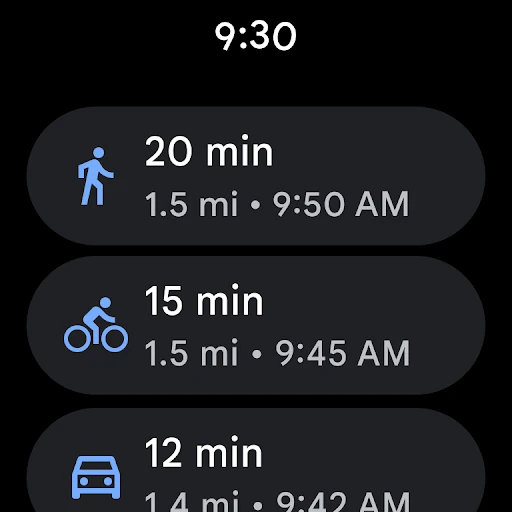
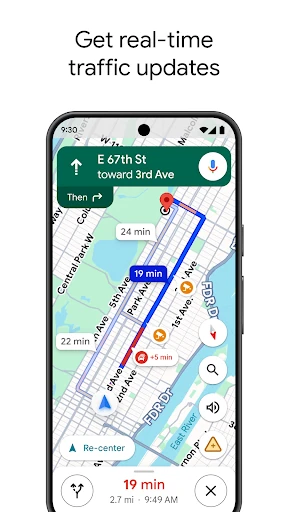
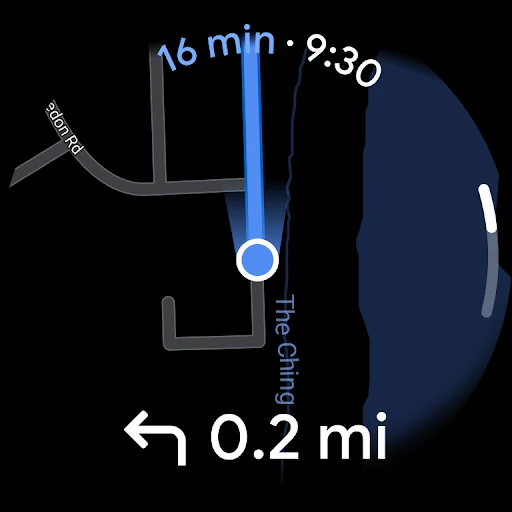
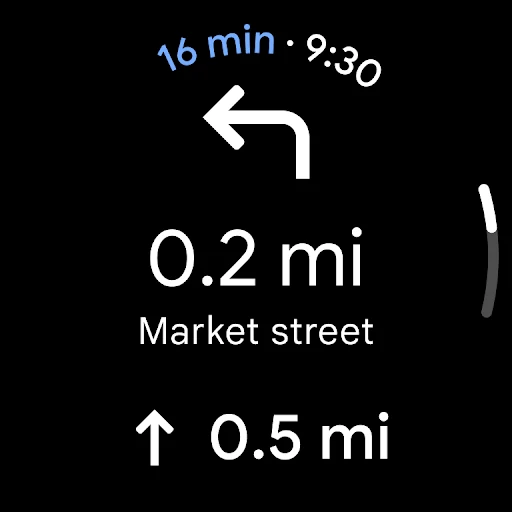


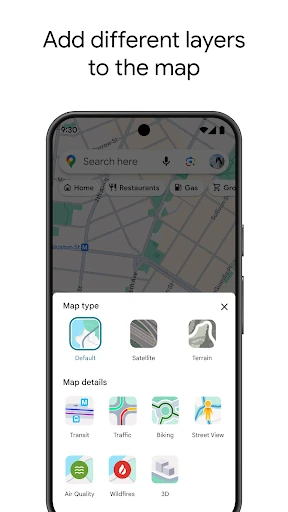
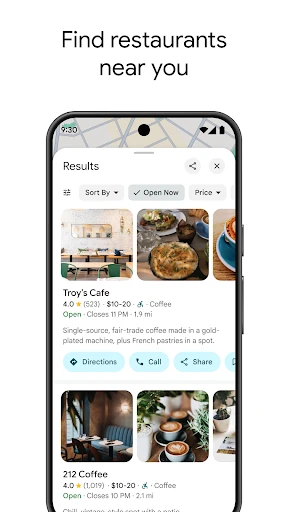
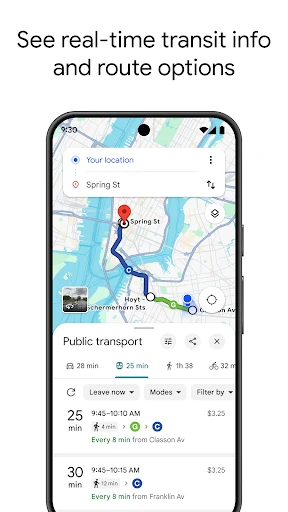
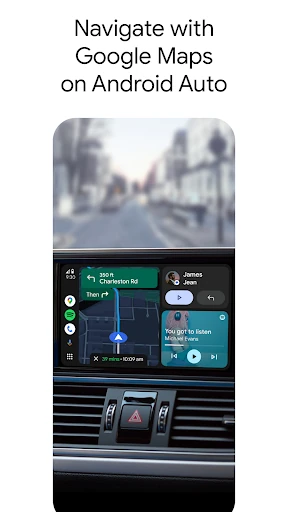
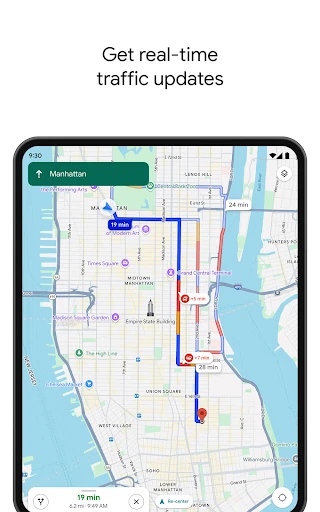
Click to download now, finish the installation quickly, and directly unlock the all-round experience
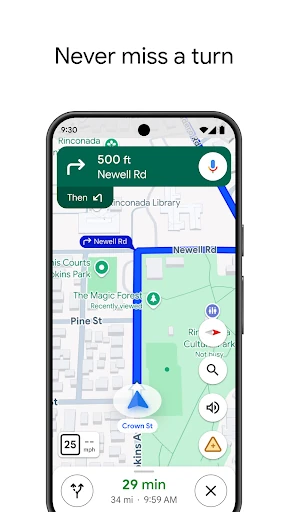
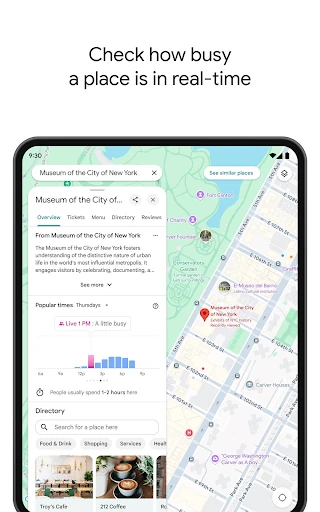
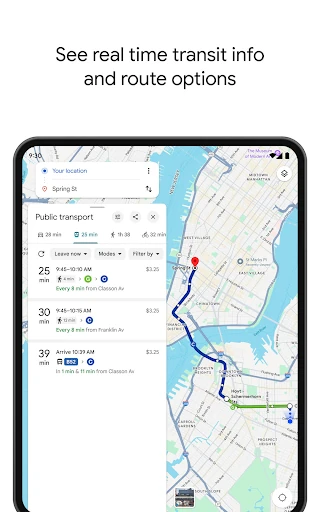
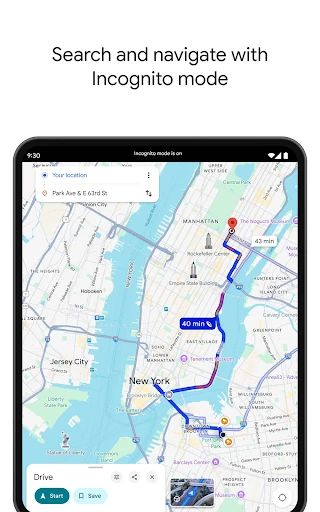
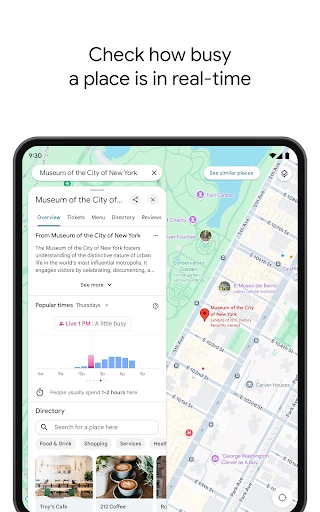
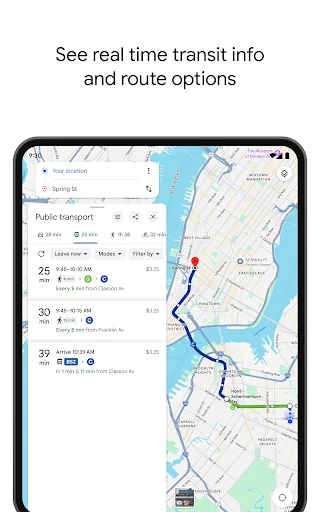
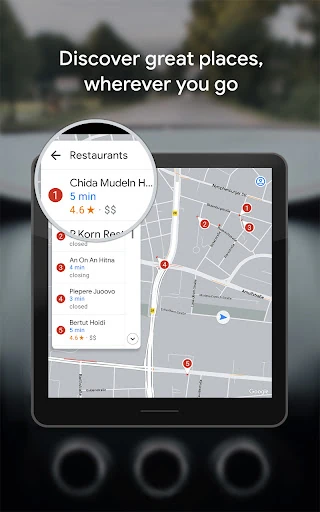
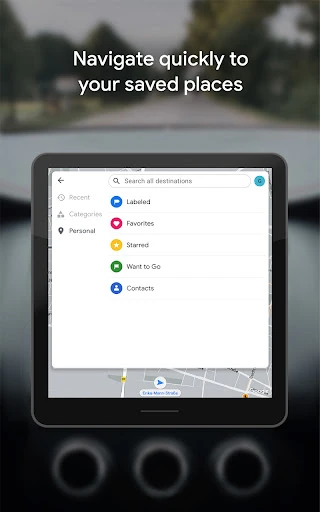
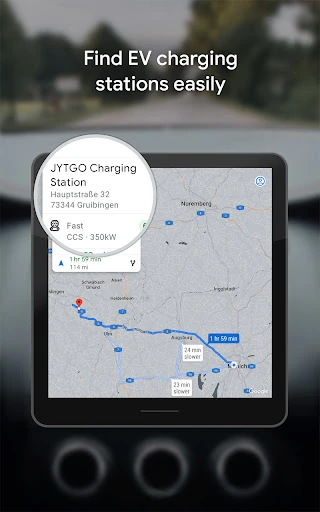
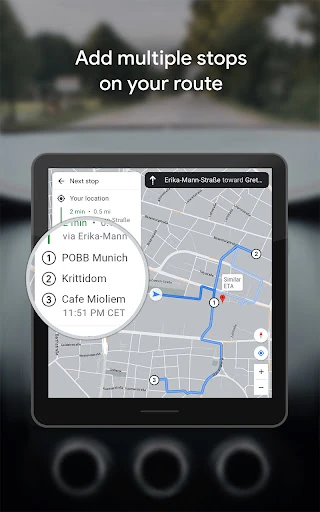
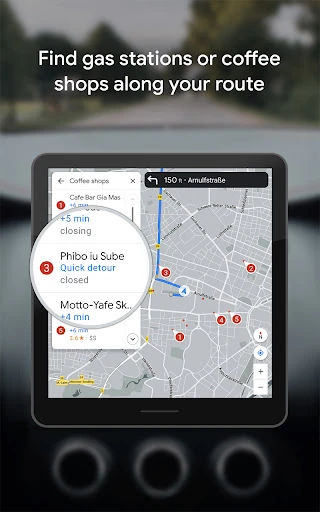
Google Maps combines turn-by-turn navigation with local search. It is built for people who need reliable routes for driving, walking, cycling, or public transport, as well as anyone looking for restaurants, shops, hotels, attractions, or services nearby. Search for a place, check its details, and start a route without moving between separate apps.
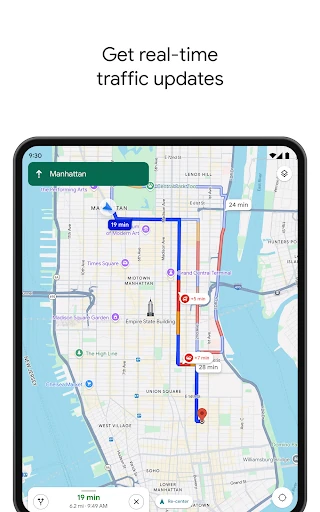
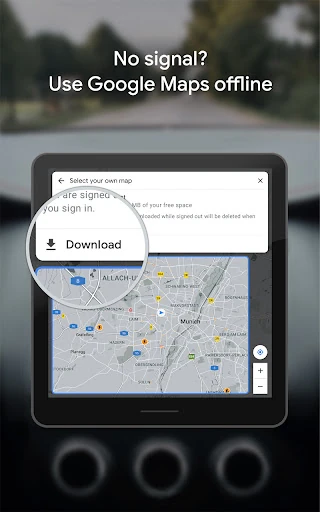
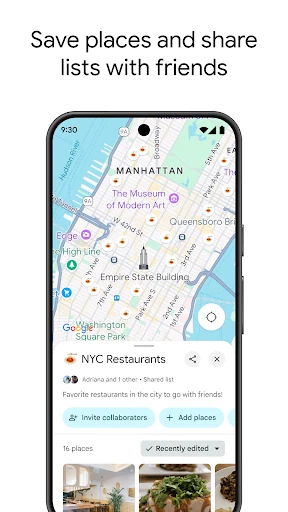
The main advantage is breadth. Google Maps covers everyday navigation and travel planning in the same interface, with live traffic information and route changes when conditions shift. You can also inspect destinations with Street View, check entrances or nearby roads before arriving, and save map areas for use when a data connection is unavailable.
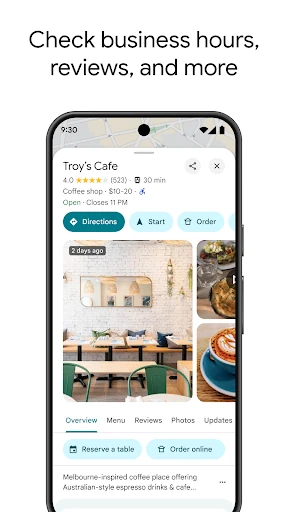
That range of information can make the interface feel busy, especially when a map is covered with business listings, transit lines, and other layers. Navigation can also use significant battery power because it relies on location services, particularly during long trips. Its place information is useful, but listings and user-submitted details can change, so important business information is worth checking before you set out.
Google Maps is the practical pick if you want one familiar app for getting around and finding places. Its rating is 3.17 from more than 19 million reviews, but its reach is clear: it has 10 billion-plus installs. Developed by Google LLC in the Travel & Local category, it suits commuters, drivers, pedestrians, and travelers who would rather compare routes and destinations in one place than rely on a basic map.