
Family Space
Motorola Mobility LLC.
Downloads
100,000,000+
Source
Google Play
Advertisement
Click to download now, finish the installation quickly, and directly unlock the all-round experience
Advertisement
Screenshots
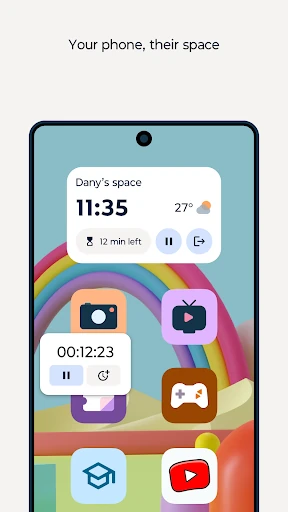
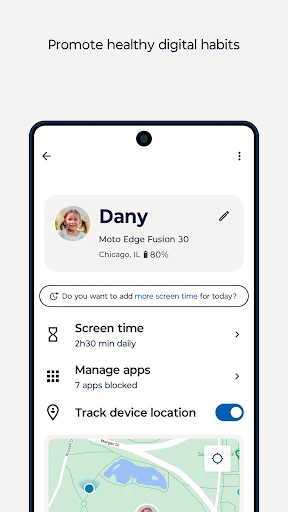
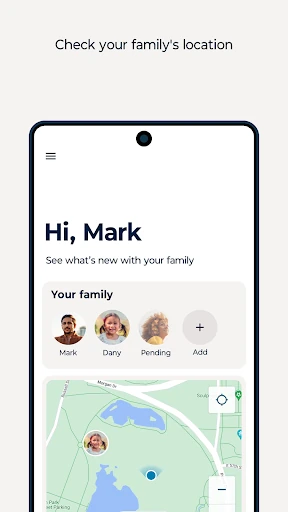
Click to download now, finish the installation quickly, and directly unlock the all-round experience
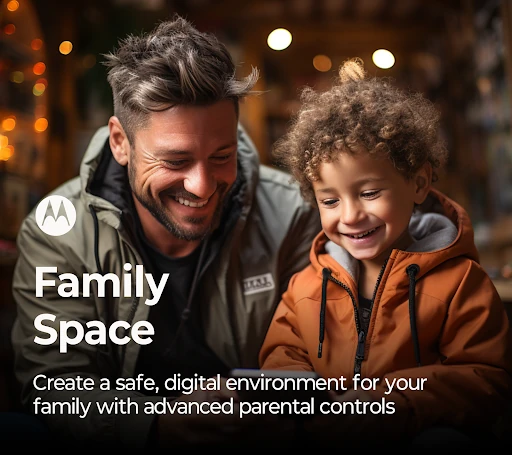
Family Space is a parenting app from Motorola Mobility LLC. that helps adults control how children use a phone or tablet. It suits families that sometimes hand over a parent’s device to a younger child, as well as parents who want clearer limits around a child’s regular device use.
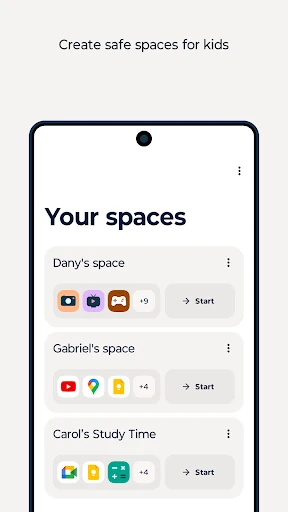
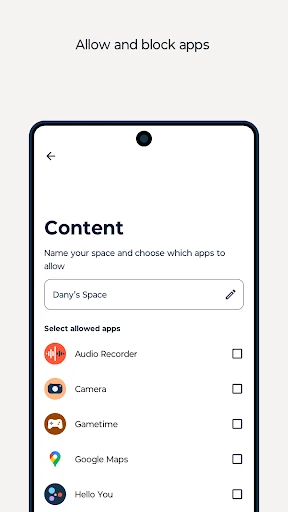
Its Spaces feature creates a restricted area with only the apps you choose. That keeps children away from messages, accidental replies, unwanted purchases and other parts of the device they should not open. For younger children, this is a practical alternative to handing over the full phone and hoping they stay in the right app.
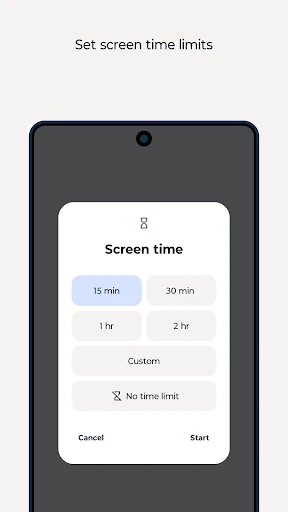
Family Space also works as a central place for parental controls. Depending on how you set it up, you can:
The main reason to choose it is its combination of quick, supervised access and longer-term screen-time rules. It is more useful than a basic child mode when your family needs both occasional device sharing and ongoing boundaries.
Screen-time management depends on accessibility permissions, which Family Space uses to monitor usage and apply app blocking on a child’s device. That is a significant permission, so parents should understand what it enables before turning the controls on. The app has a 3.5 rating from 18,516 reviews and more than 100 million installs, suggesting broad use but not universal satisfaction. If you want a straightforward family-control layer rather than a collection of entertainment features, Family Space is a sensible option to compare first.