Concepts: Sketch, Note, Draw
TopHatch, Inc.
Downloads
5,000,000+
Version
Latest
Click to download now, finish the installation quickly, and directly unlock the all-round experience
Screenshots
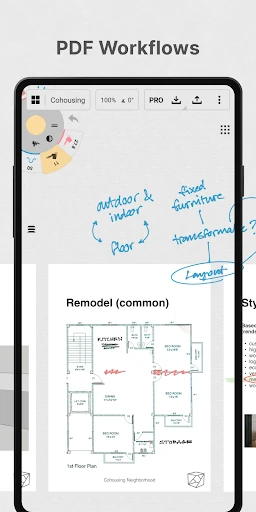
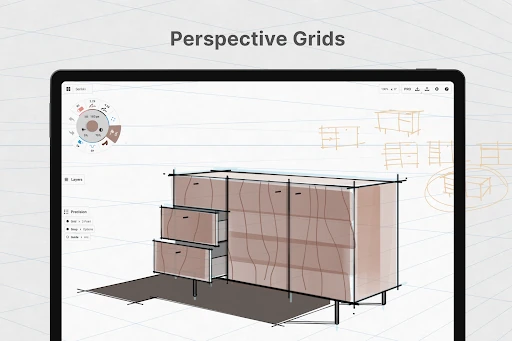
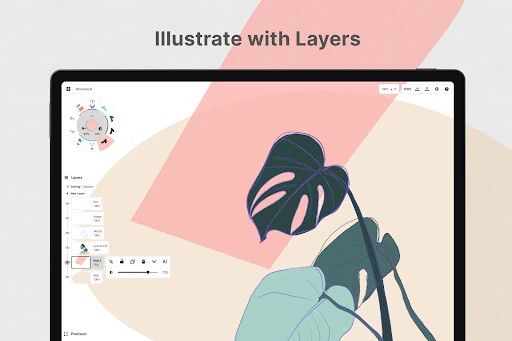
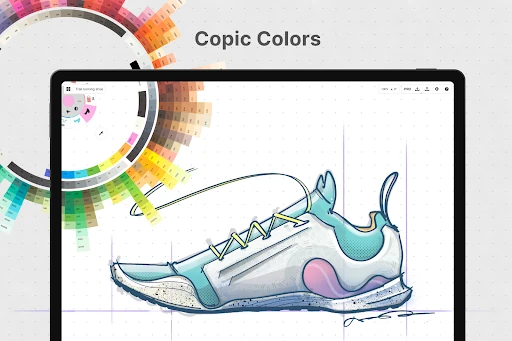
Click to download now, finish the installation quickly, and directly unlock the all-round experience
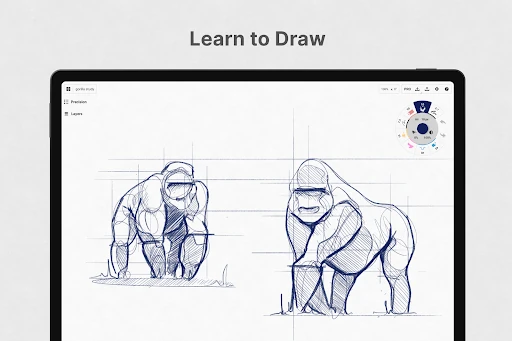
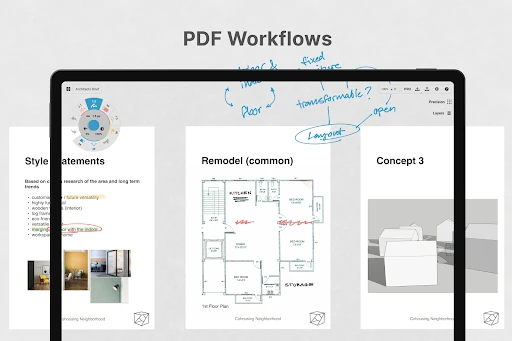
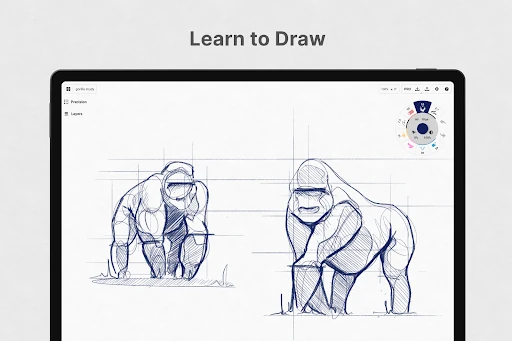
Concepts: Sketch, Note, Draw is an Art & Design app for drawing, visual notes, planning, and design work. It suits people who want to explore an idea without committing to a fixed page size, especially architects, product designers, illustrators, and anyone who thinks by sketching. The app is made by TopHatch, Inc. and has more than 5,000,000 installs.
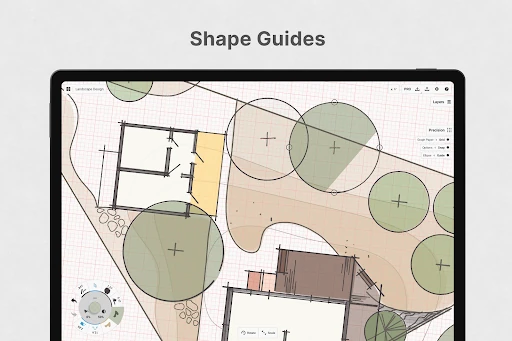
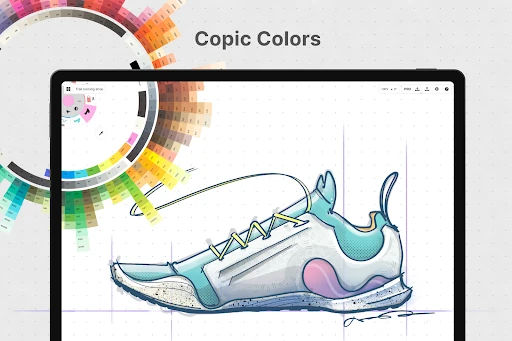
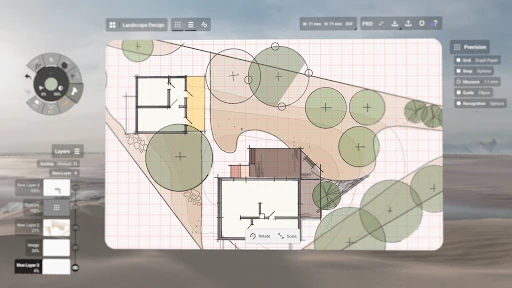
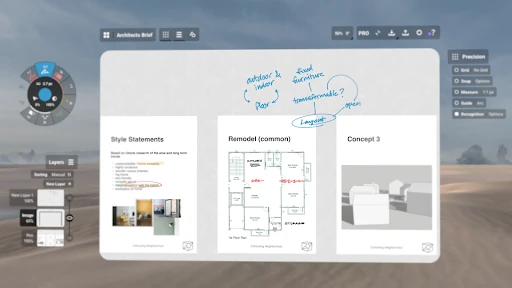
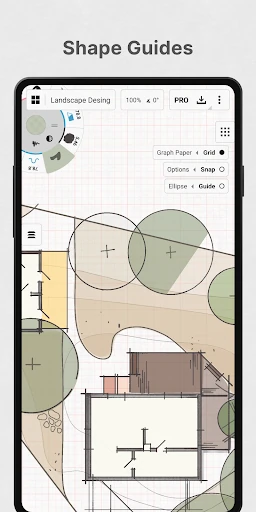
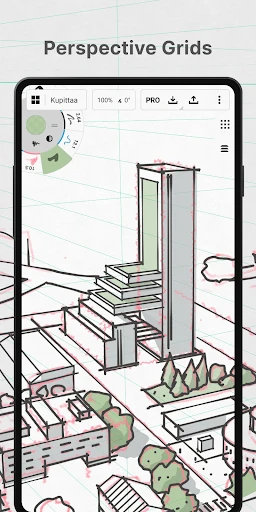
The main difference is that Concepts uses a vector-based drawing engine rather than treating every mark as a fixed block of pixels. Strokes can be adjusted after you make them, moved around, and scaled without forcing you to redraw the whole piece. That makes it useful for rough layouts that gradually become cleaner plans, diagrams, or finished concepts.
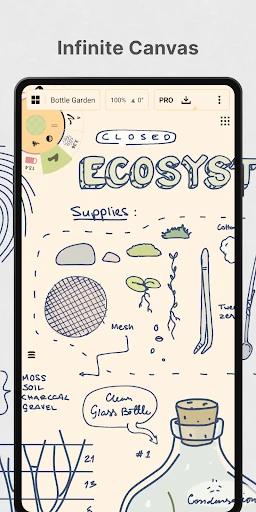
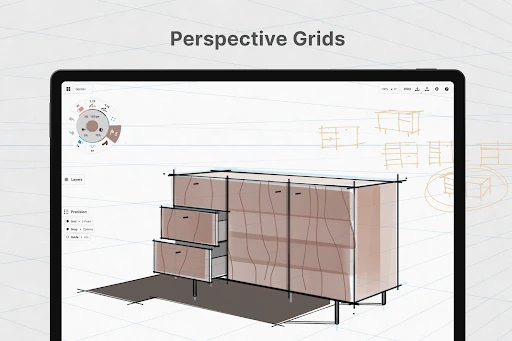
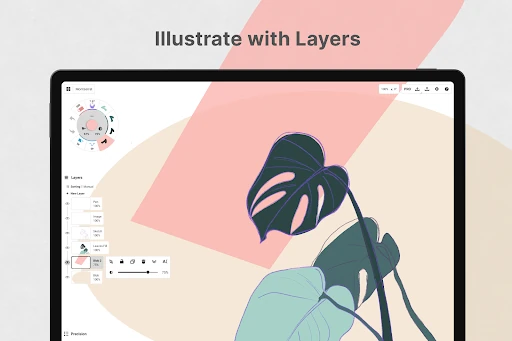
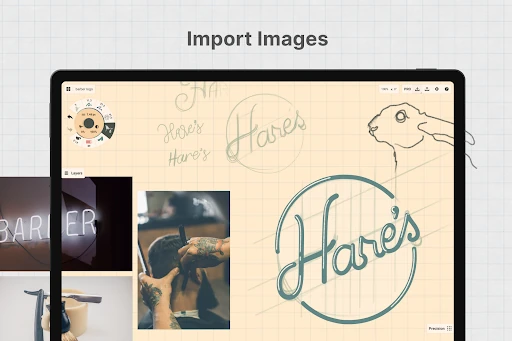
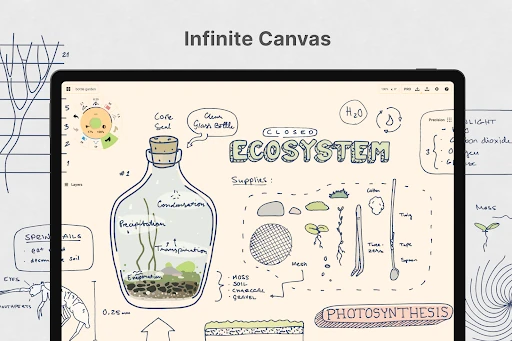
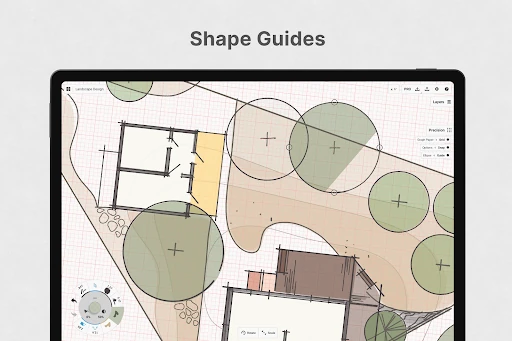
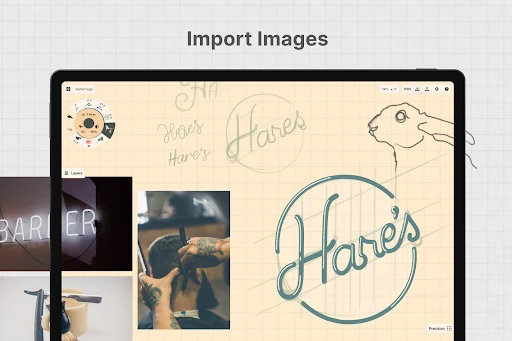
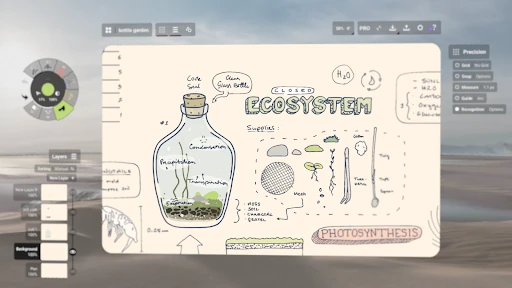
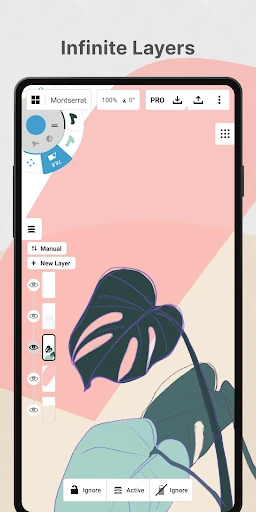
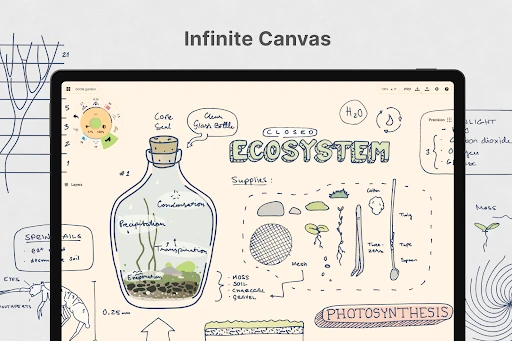
An infinite canvas gives you space for large sketches, connected notes, mind maps, and multi-part designs. Selection, nudge, and slice tools help you correct individual marks instead of starting over. Layers add structure when a drawing becomes crowded, while opacity controls make it easier to separate guides, notes, and final lines.
Concepts is less suited to someone who only wants a quick, simple paint app or a basic blank page for occasional doodles. Its flexibility comes with more controls to learn, particularly if you have only used raster drawing tools before. With a rating of 4.17 from 22,423 reviews, it is a strong recommendation for visual thinkers who want their sketches to remain changeable rather than locked into the first version.